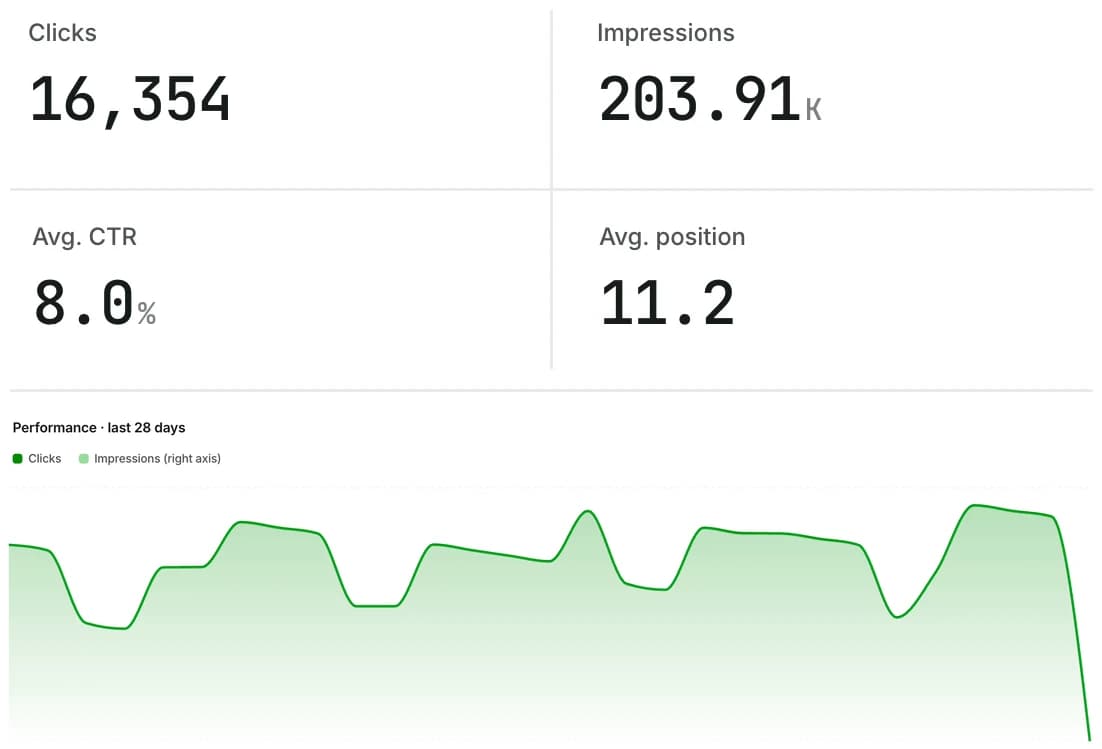
SEO reports that send themselves.
Generate a clean PDF in one click, or schedule it weekly or monthly for your team and clients. No more copy-pasting screenshots into slides.
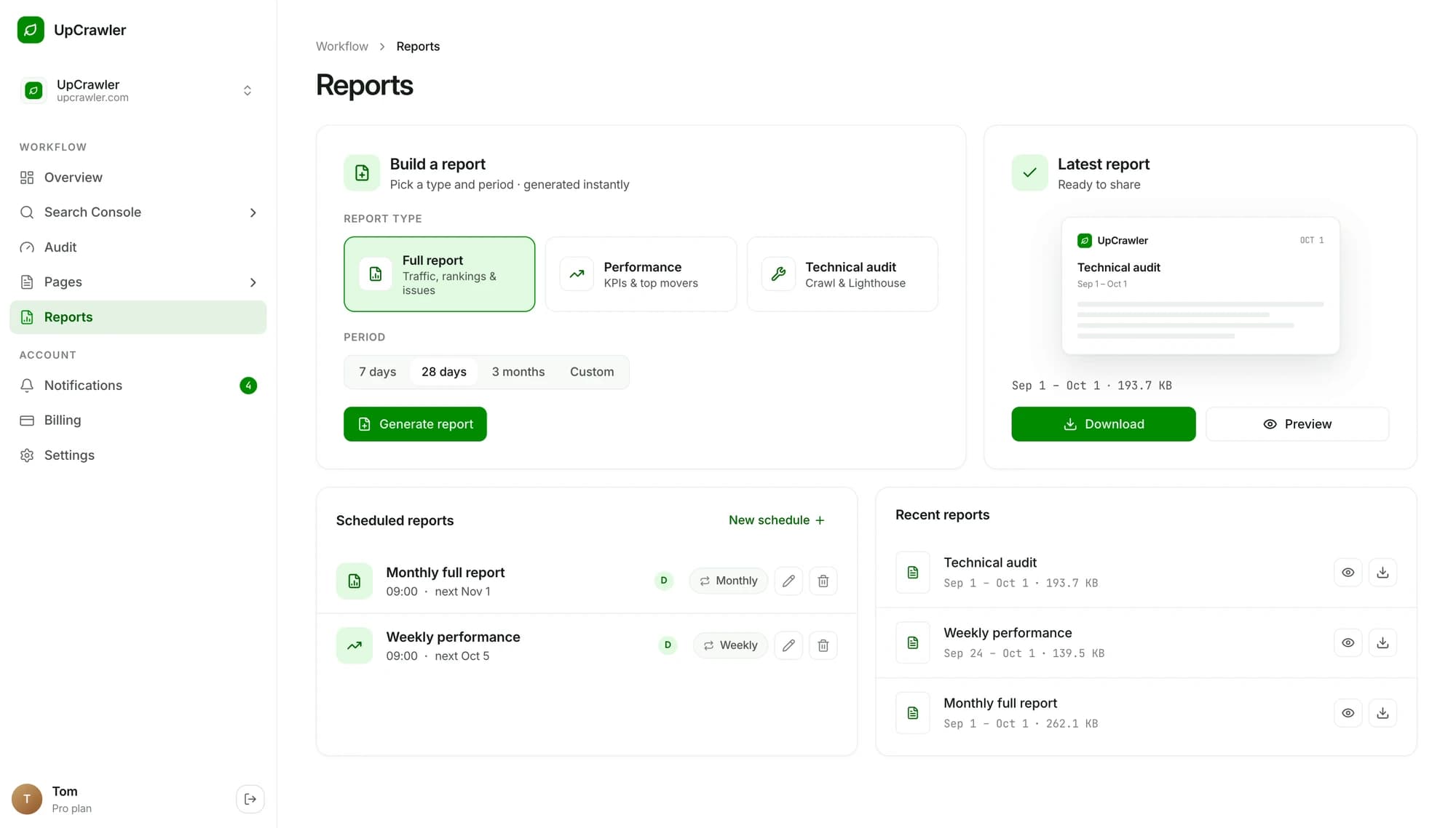
From “can you send me an update?” to done.
- 1
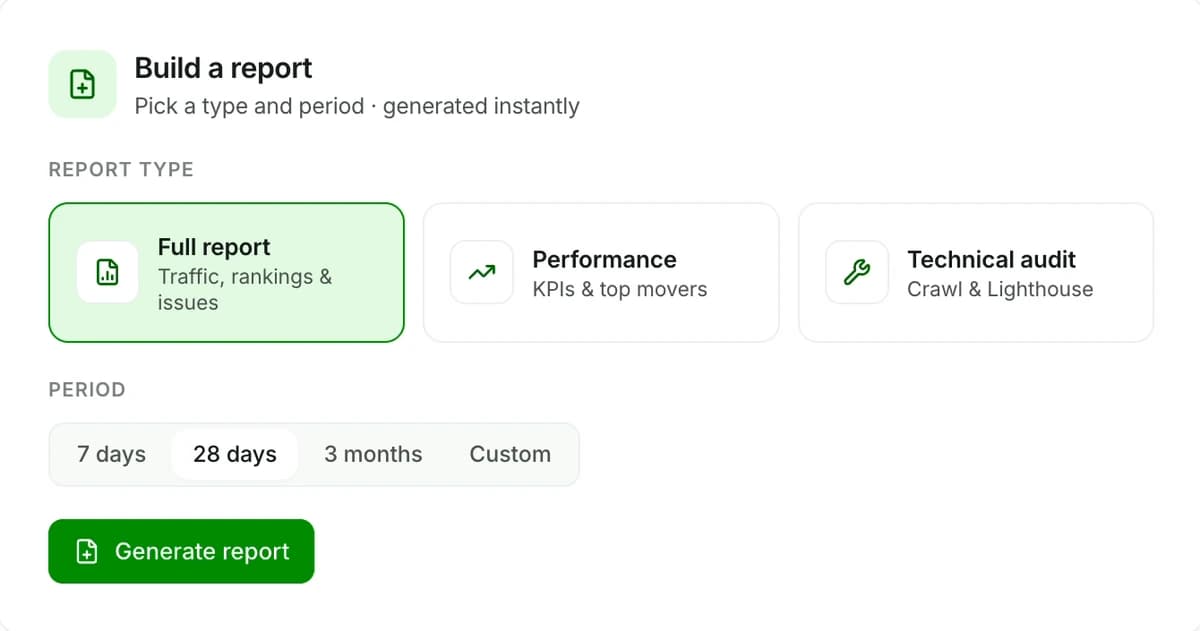
Pick a report
Full, performance or technical audit.
Full reportPerformanceTechnical audit - 2
Pick a period
The last week, month, quarter or your own dates.
7 days28 days3 monthsCustom - 3
Download or schedule
Get the PDF now, or have it sent on repeat.
DownloadWeeklyMonthly
One click. Three reports for three audiences.
The three report types from the app, and who each one is for.
Full report
Traffic, rankings and issues
- Search Console clicks and positions
- Open issues by severity
- Site health and uptime
Performance
KPIs and top movers
- Headline KPIs vs last period
- Top movers in rankings
- Short and skimmable
Technical audit
Crawl and Lighthouse
- Crawl findings per page
- Lighthouse scores and vitals
- What to fix first
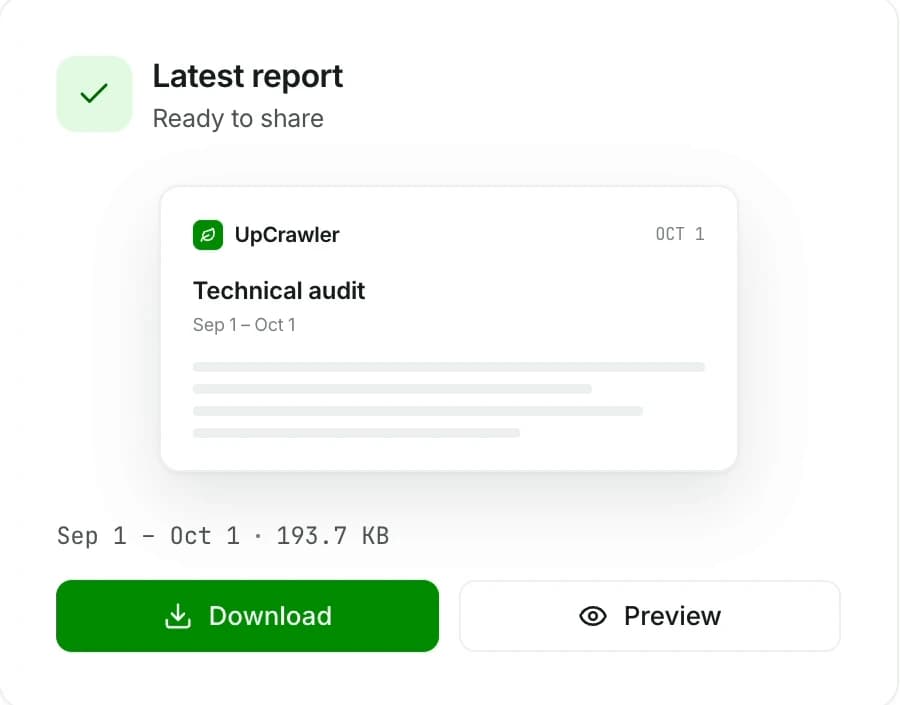
A clean PDF, ready to share.
Pick a type and period and the report is generated instantly. Preview it, then download the PDF and share it.
- Generated instantly, no waiting on a queue.
- Clearly labelled with the report type and date range.
- Preview before you send, then download as PDF.
Set it once. It arrives every Monday.
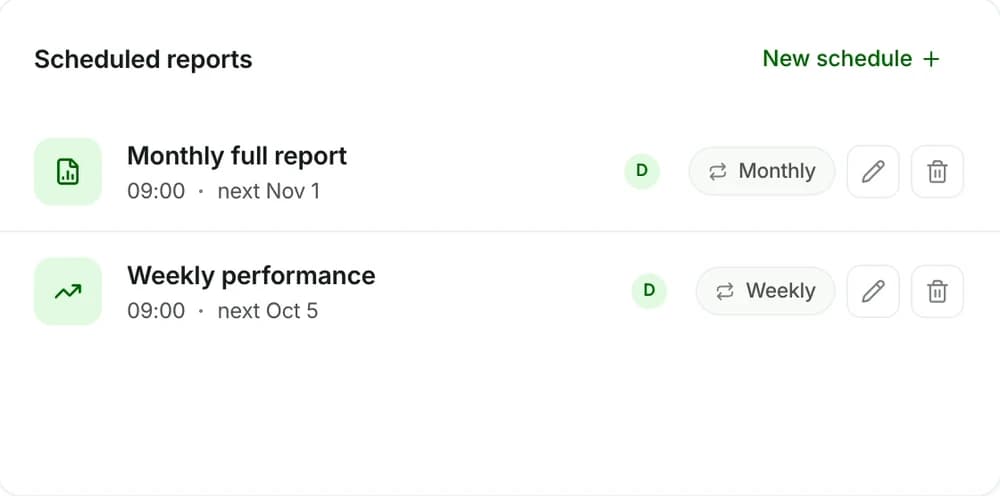
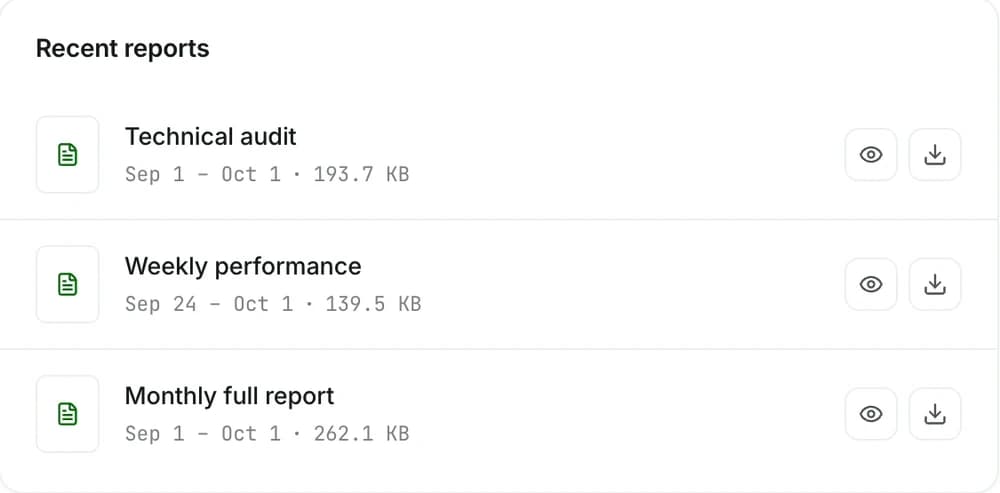
Schedule any report weekly or monthly at the time you choose. Every past report stays in your history, ready to download again.
- Weekly or monthly, at 09:00 or any time you pick.
- Next run shown on every schedule.
- Recent reports with size and date range.
Your client update, already written.
Stop spending Friday afternoons on screenshots. Schedule a report per client site and spend that time on the actual fixes.
- Up to 10 websites on Pro, 100,000 pages each.
- 10 team seats per website on Pro.
- Export to CSV whenever a client wants raw data.
Your reports go out on schedule.
Report questions, answered.
Which report types are there?
Which periods can a report cover?
How often can reports be scheduled?
What format are reports in?
More answers in Support, or email support@upcrawler.com


More of UpCrawler
All featuresYour whole site at a glance
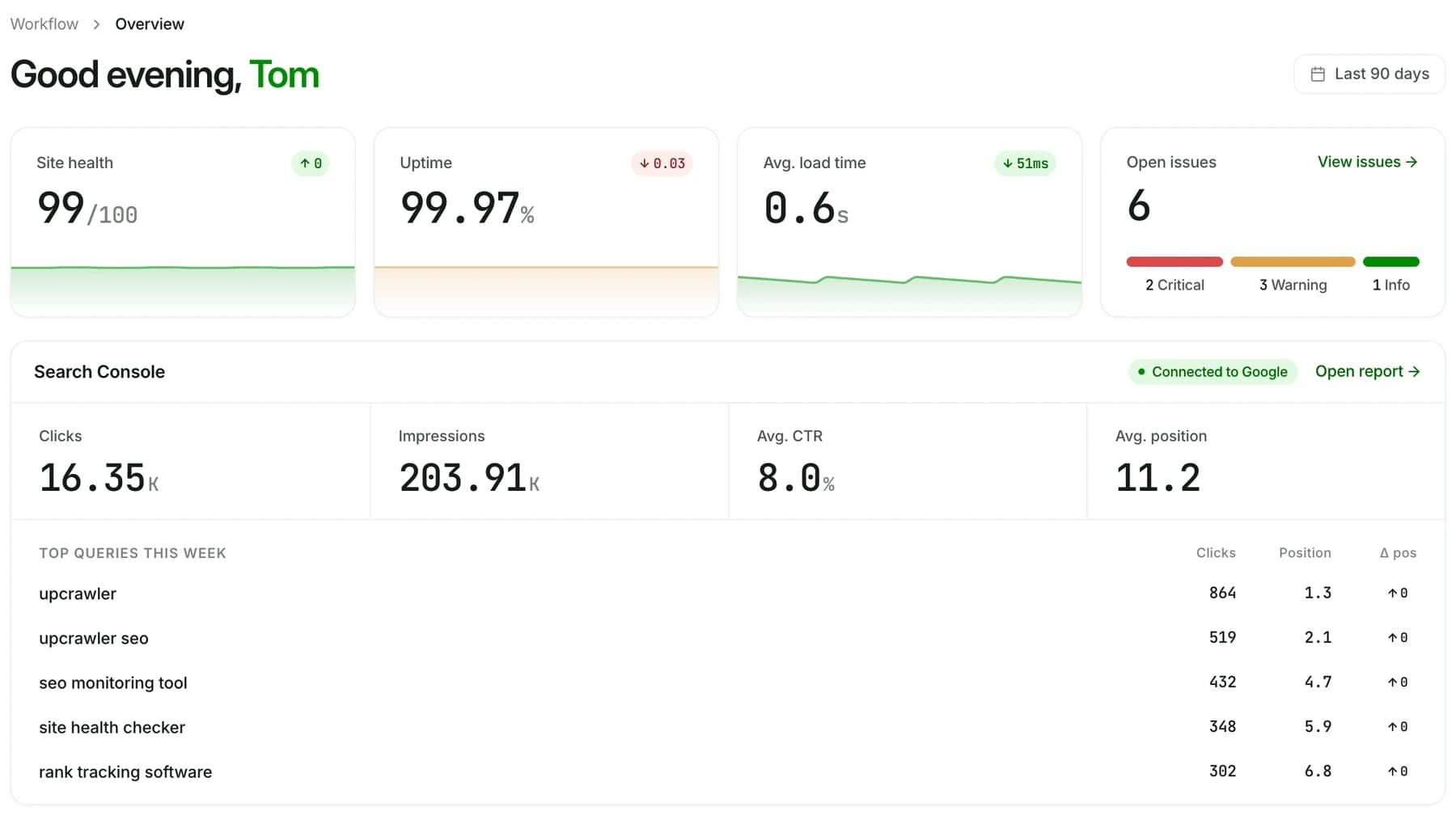
Health, uptime, speed, open issues and Search Console, ready every morning.
Lighthouse on autopilot
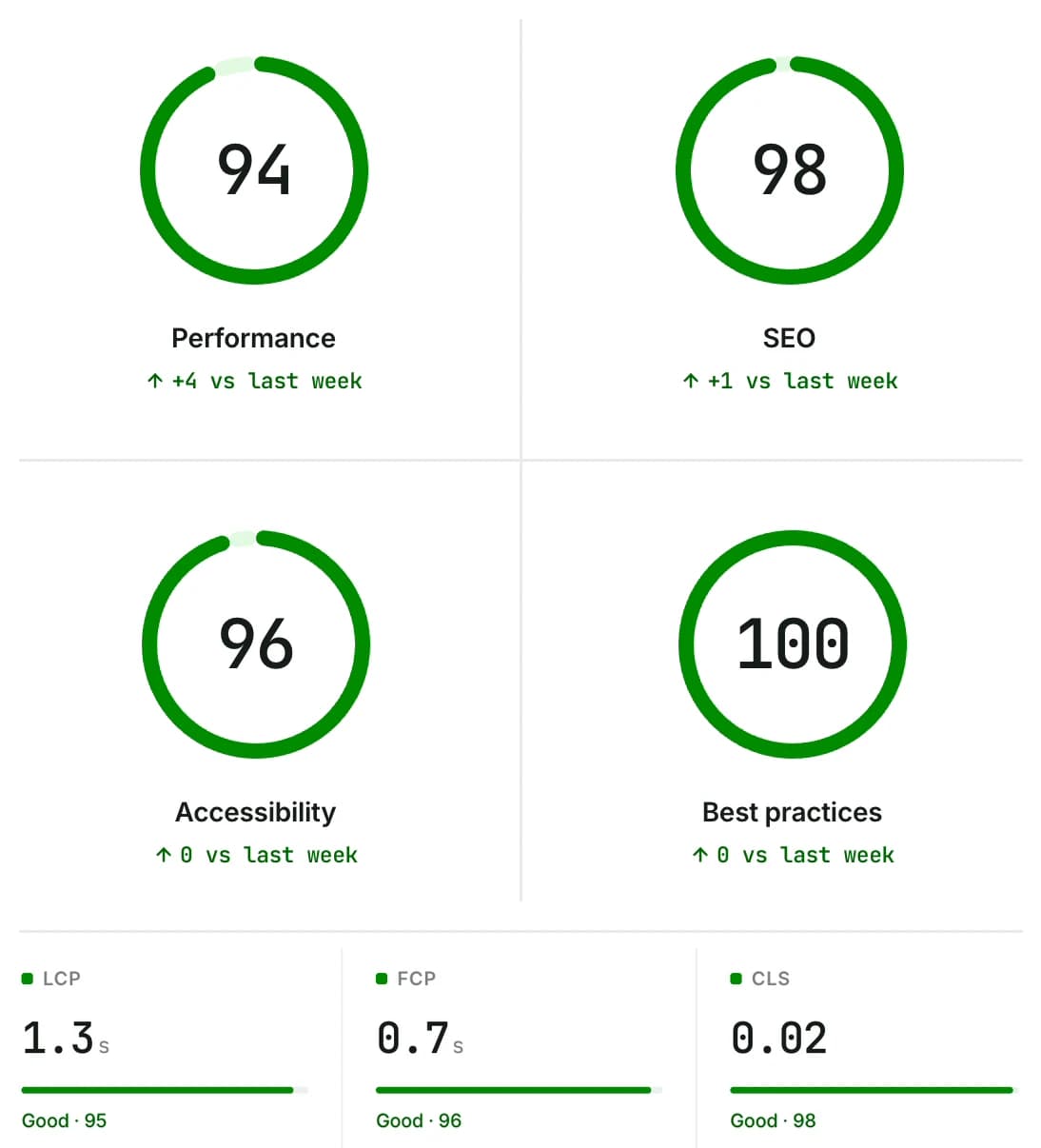
Scores and Core Web Vitals, tracked over time.
Rankings next to issues
Clicks, impressions, CTR and position from Search Console.