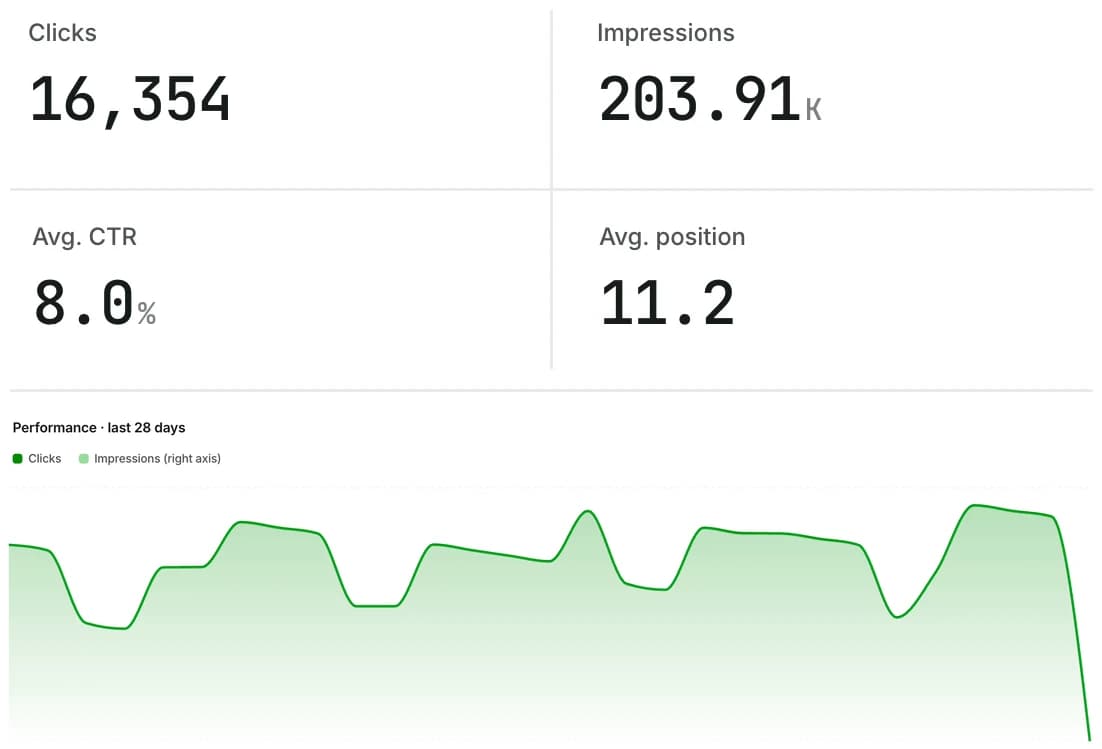
Know before your customers do.
Downtime, slow responses, expiring SSL and new critical SEO issues appear in the app the moment they happen, and in your inbox if you want them there.
32 minutes down. You knew in the first five.
- 14:02Your site returns 503
The next uptime check catches it and crawlers pause.
- 14:02You get notified
In the app right away, and by email if alerts are on.
- 14:34Back online
“Down for 32m. Crawlers have resumed.” Your history keeps the record.
 UpCrawler alertsto you · just now
upcrawler.com returned 503. Crawlers are paused and we’ll keep checking until it responds.
Open UpCrawlerTimes are an illustration. Uptime is checked every 5 minutes on Starter and every 30 minutes on Free.
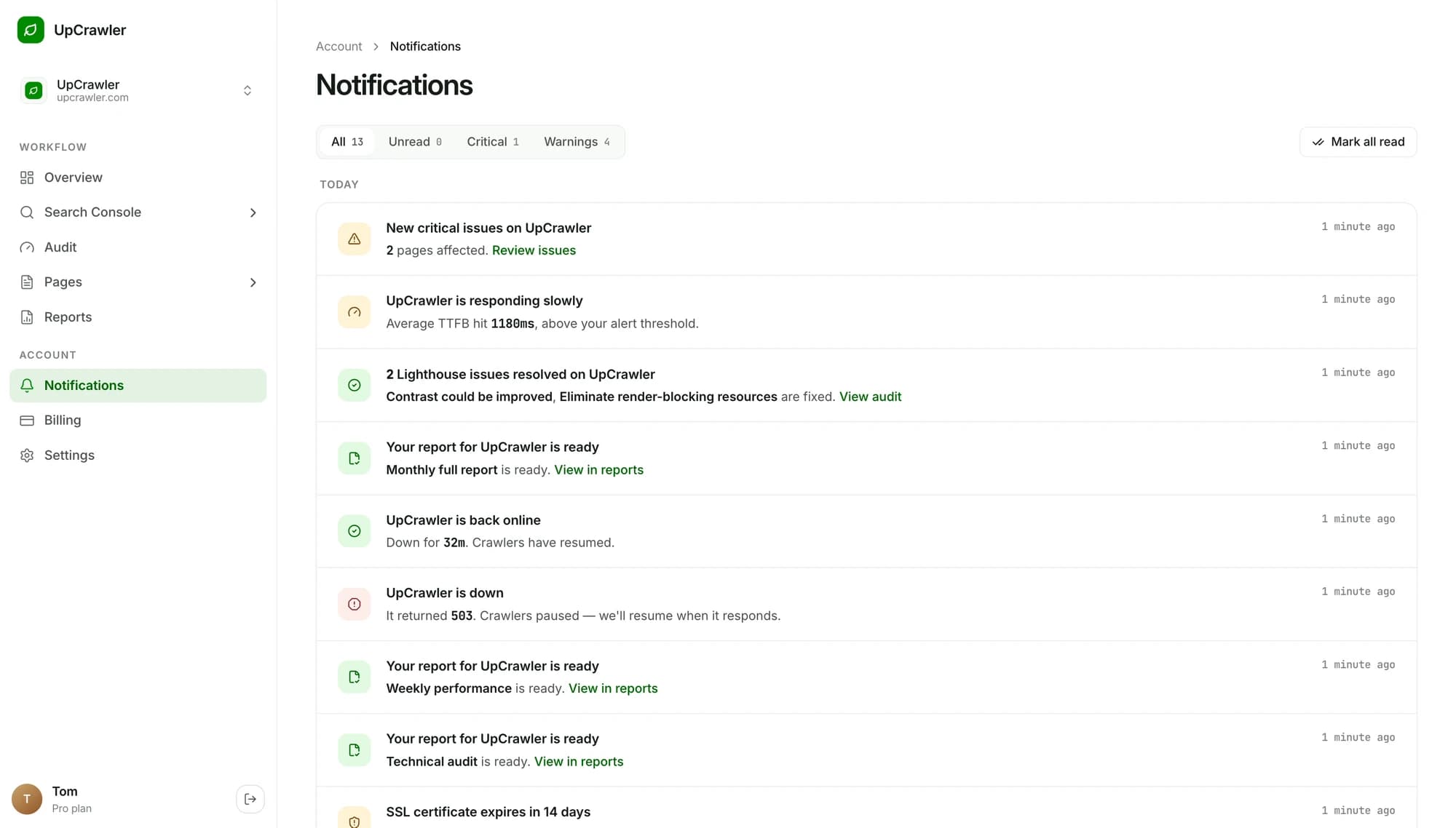
Every alert that matters. Nothing that doesn’t.
Real alerts from the demo workspace. Each one tells you what happened and links straight to the fix.
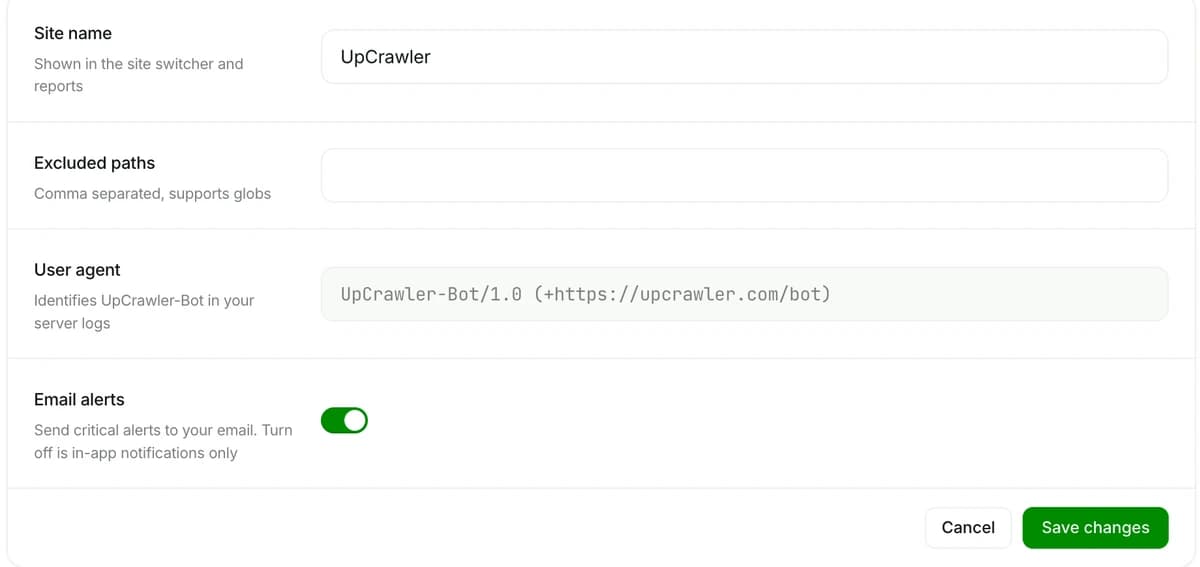
In-app always. Email when you want it.
Every alert lands in your notifications in real time. Flip one switch in Settings to also get critical alerts by email.
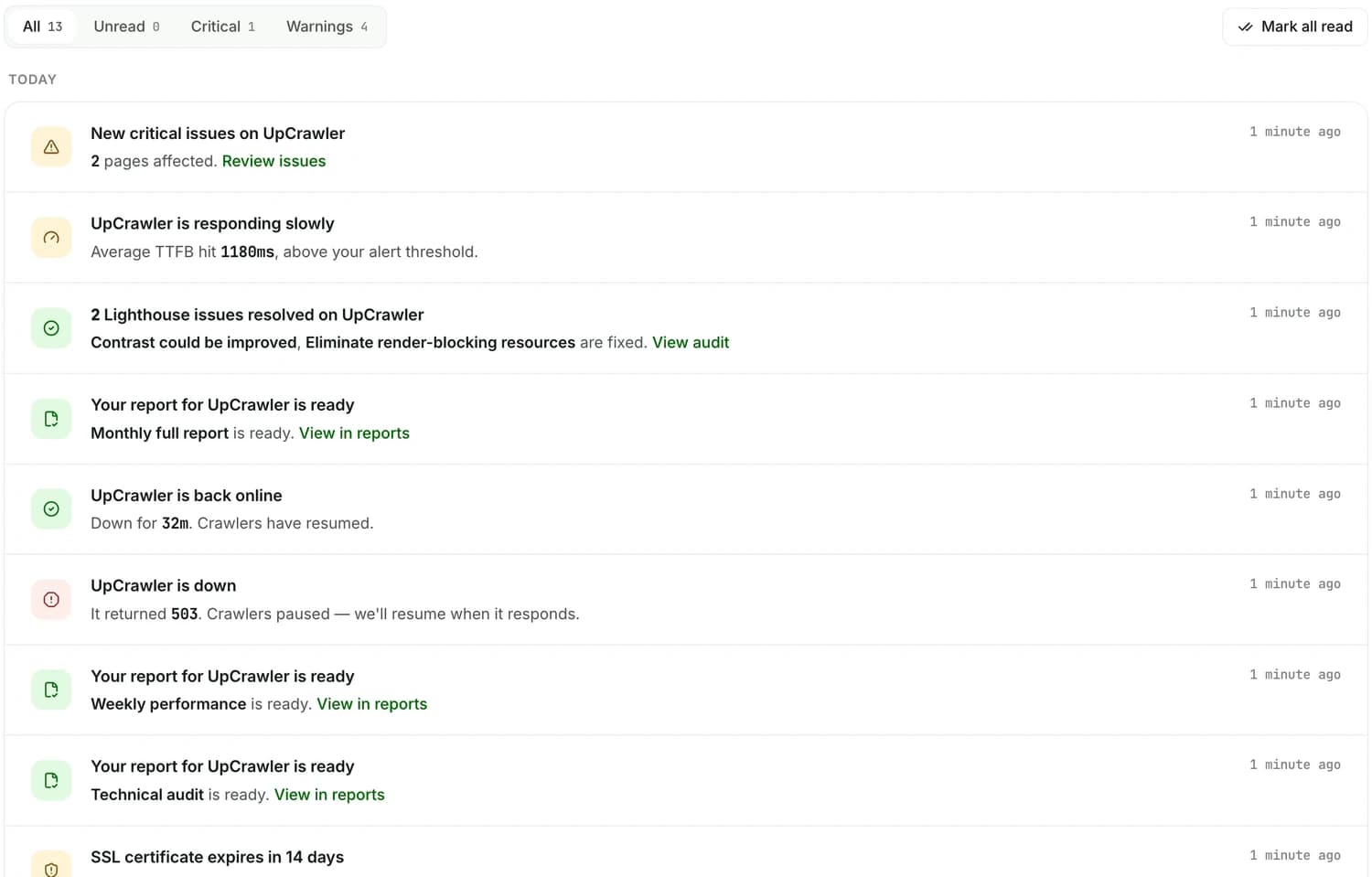
Everything that happened, in one list.
Filter by critical or warnings, mark items read, and jump from any alert to the issue, audit or report behind it.
- Filters for all, unread, critical and warnings.
- Links to the fix on every alert.
- Good news too: resolved issues and ready reports.
Alert questions, answered.
How quickly will I know when my site goes down?
Which alerts are sent by email?
What else does UpCrawler watch?
Are email alerts on the Free plan?
More answers in Support, or email support@upcrawler.com


More of UpCrawler
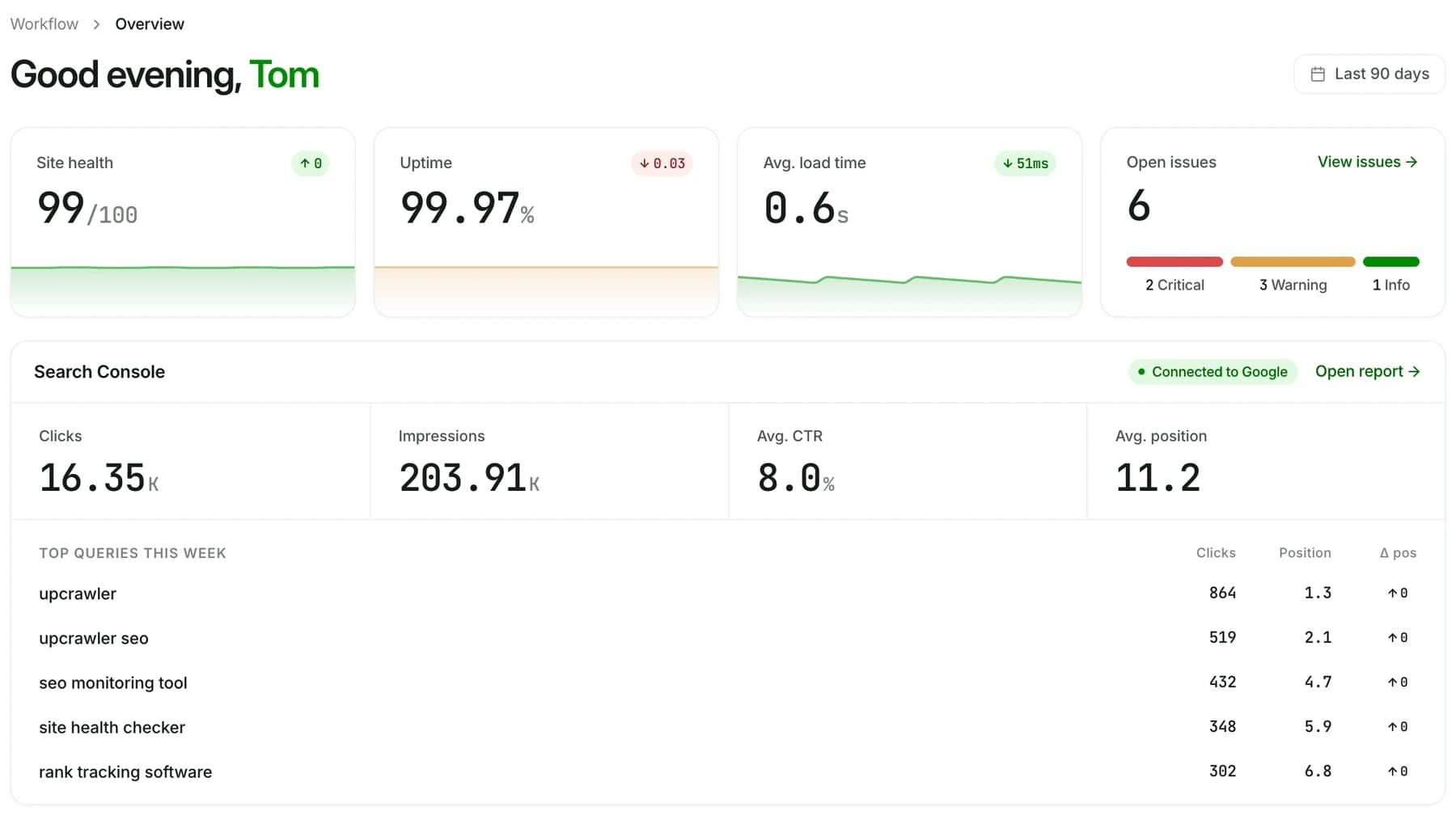
All featuresYour whole site at a glance
Health, uptime, speed, open issues and Search Console, ready every morning.
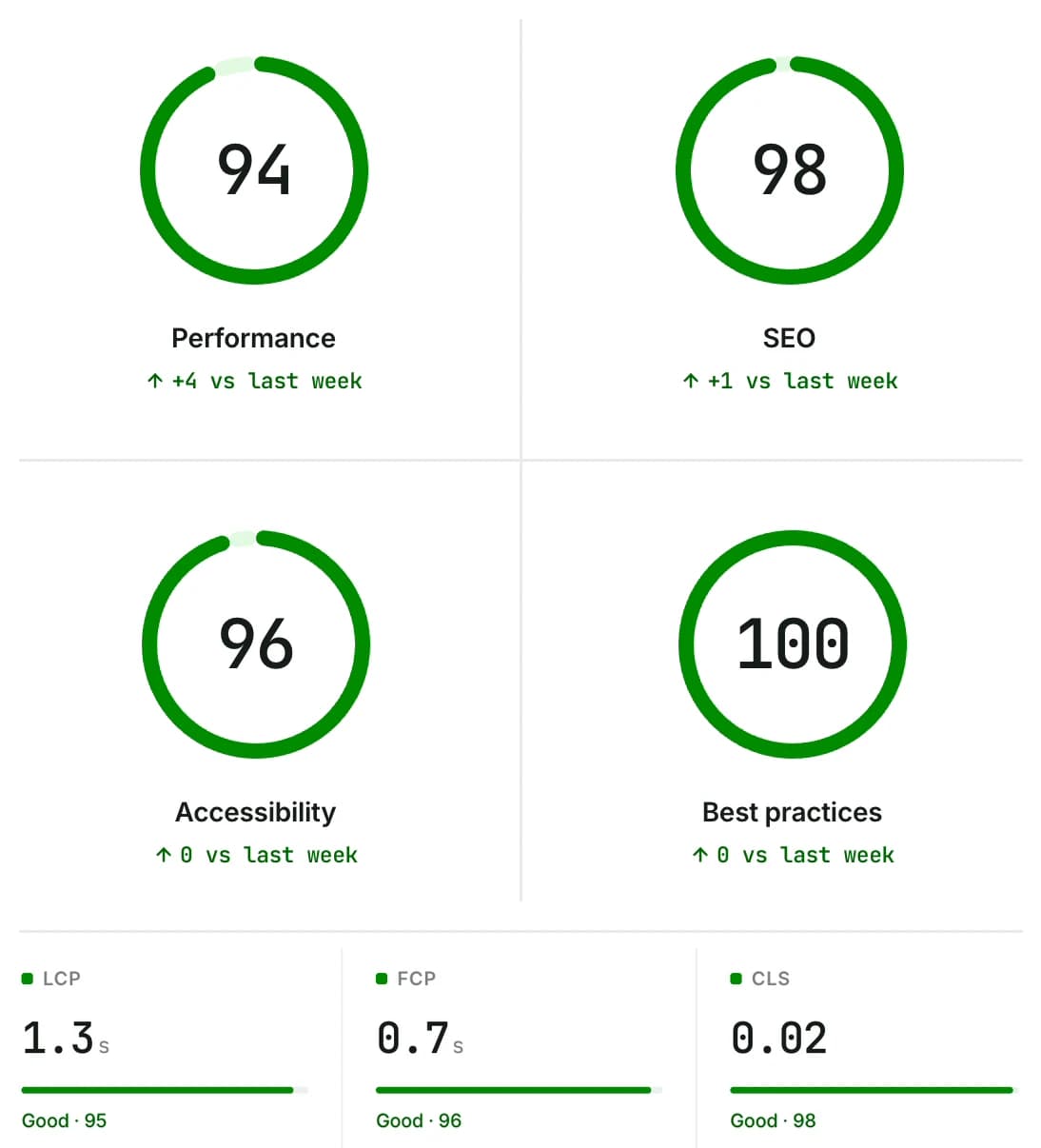
Lighthouse on autopilot
Scores and Core Web Vitals, tracked over time.
Rankings next to issues
Clicks, impressions, CTR and position from Search Console.